Розпаковуйте архіви локально у браузері
Ваші файли обробляються локально у браузері. Вони не завантажуються на наші сервери.
Drop one archive here
Supports common archive formats including ZIP, 7Z, RAR, TAR, GZ, TGZ, ISO, CAB, JAR, APK, Office files and EPUB. Self-extracting EXE works only when the archive data can be identified.
Extracted files
Select an archive to see downloadable files.
How it works
Three steps, all in your browser. No installs, no uploads, no waiting on a server.
1Add your archive
Drag and drop a ZIP, 7Z, RAR or other archive onto the page, or click to choose a file from your device.
2Extract locally
UnzipIt unpacks the archive on your device using a WebAssembly engine running in a Web Worker. Your files never leave your browser.
3Save your files
Download individual files, or save the whole extraction straight into a folder you choose (on supported browsers).
Supported archive formats
Open and extract a wide range of common archive formats — all locally in your browser.
- ZIP
- 7Z
- RAR
- TAR
- GZ
- TGZ
- BZ2
- XZ
- ZST
- CAB
- ISO
- JAR
- APK
- EPUB
Self-extracting EXE files work only when the embedded archive data can be identified. Many Office documents and EPUB files are also supported because they are ZIP-based.
Все працює у вашому браузері
Без встановлення, завантаження та сервера — просто відкрийте архів і розпакуйте.
100% локально
Ваші файли обробляються на пристрої. Нічого не завантажується на сервер.
Багато форматів
ZIP, 7Z, RAR, TAR, GZ, TGZ, ISO, CAB, JAR, APK, документи Office та EPUB.
Рушій WebAssembly
Важке розпакування виконується у Web Worker через WebAssembly, поза основним потоком.
Архіви з паролем
Введіть пароль, щоб відкрити захищені архіви.
Зберегти у теку
Запишіть розпаковані файли безпосередньо у вибрану теку.
Приватність за дизайном
Ми ніколи не бачимо назв файлів, вмісту чи паролів.
Часті запитання
Так. UnzipIt повністю безкоштовний — без акаунтів, підписок і прихованих обмежень.
Ні. Весь процес розпакування відбувається локально у вашому браузері за допомогою JavaScript і WebAssembly. Файли ніколи не залишають ваш пристрій.
ZIP, 7Z, RAR, TAR, GZ, TGZ, BZ2, XZ, ZST, CAB, ISO, JAR, APK, EPUB та багато документів Office.
Так. Введіть пароль на запит, і UnzipIt розшифрує та видобуде вміст локально.
UnzipIt не перевіряє файли на шкідливе програмне забезпечення. Відкривайте архіви лише з надійних джерел і не запускайте файли невідомих відправників.
Guides & tips
Learn how to unzip files on any device, compare archive formats, and keep your files private.
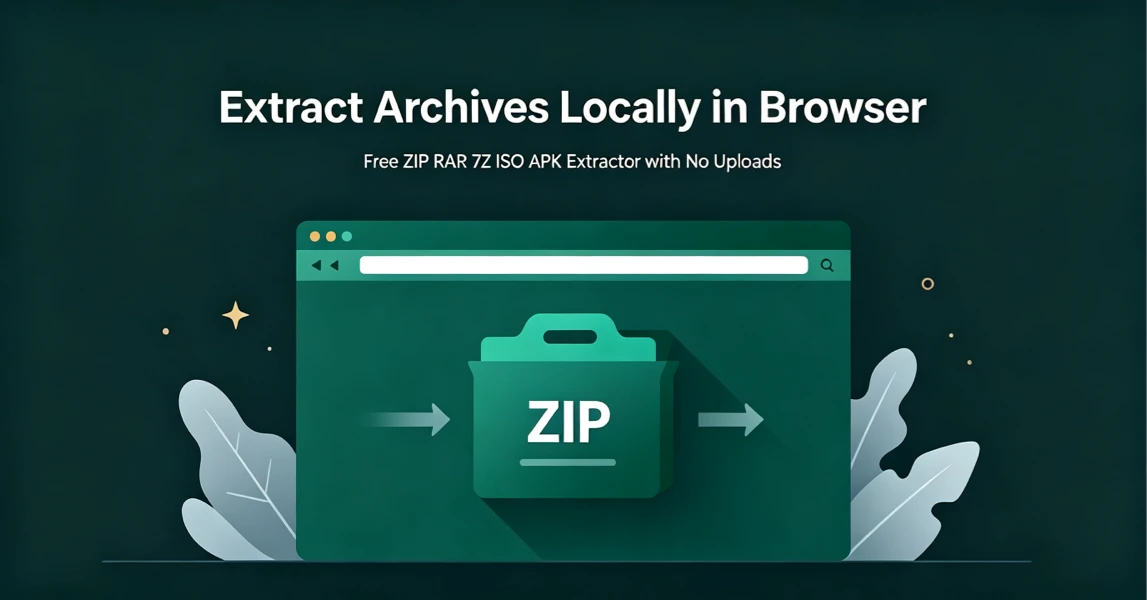
How to Extract Archives Locally in Browser with UnzipIt (Step‑by‑Step Guide)
A complete beginner’s guide to extracting ZIP, RAR, 7Z, ISO, APK and more archives for free directly in your browser with zero uploads and no software installation.
2026-08-21
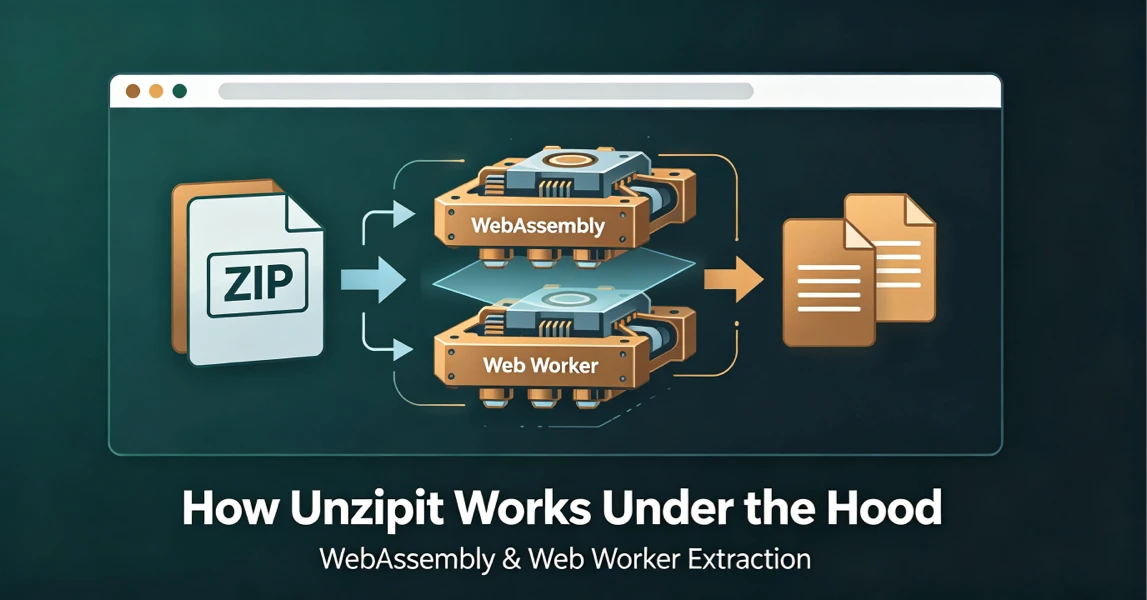
How UnzipIt Works Under the Hood: WebAssembly & Web Worker Extraction
Learn the WebAssembly and Web Worker technology powering fast, private, local in-browser archive extraction on UnzipIt with no server uploads.
2026-08-21
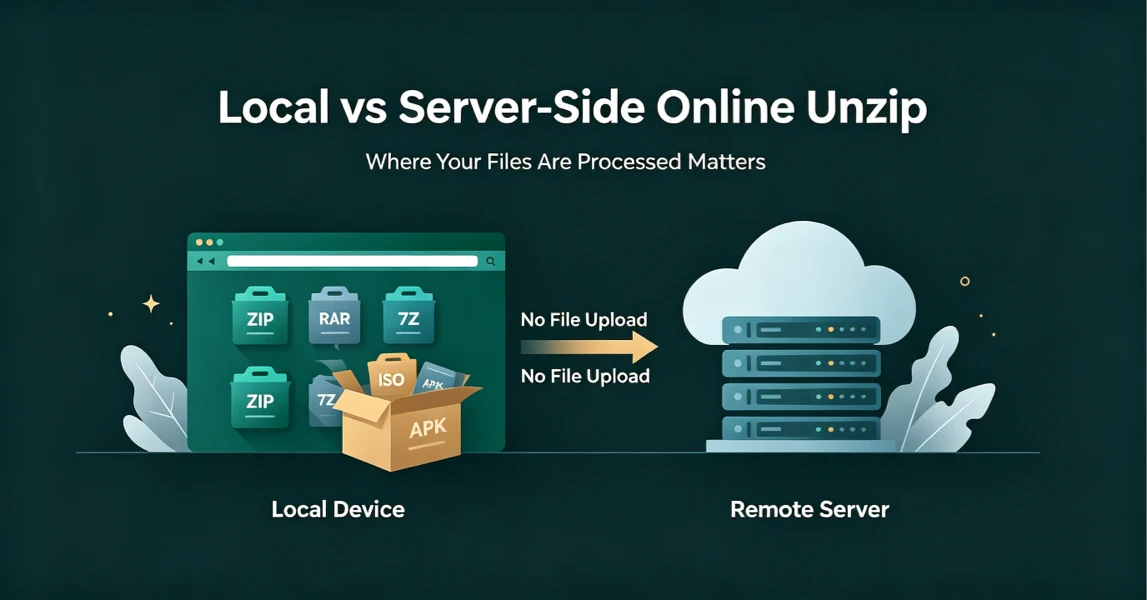
Local vs Server-Side Online Unzip: Why Where Your Files Are Processed Matters
Not all online unzip tools work the same way. Learn the difference between server-side extraction and true local browser-based processing, and why it matters for your privacy.
2026-08-21
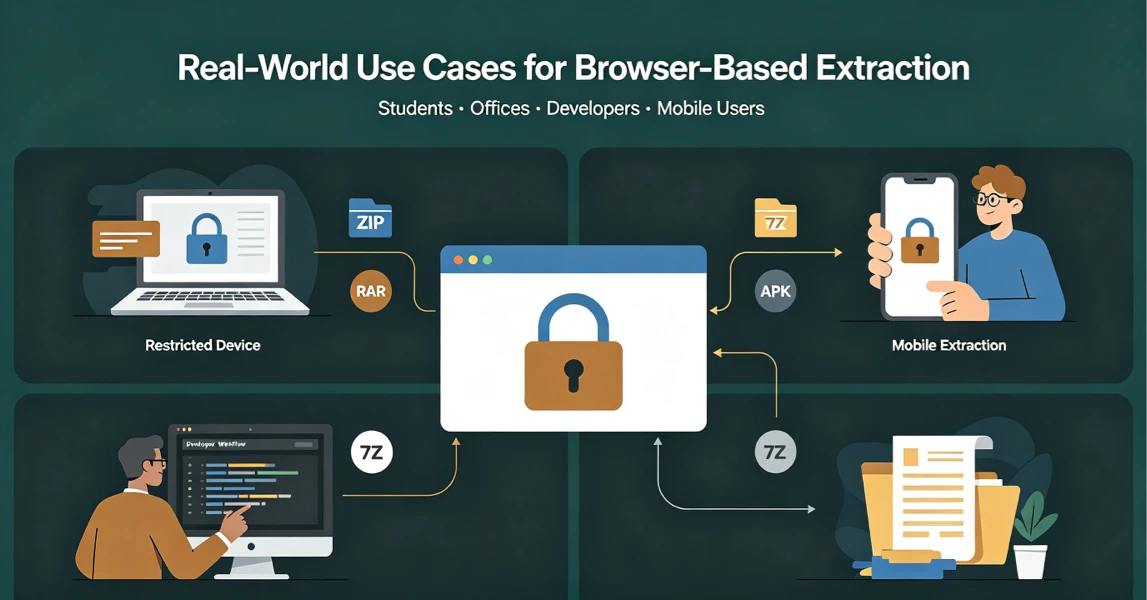
Real-World Use Cases for UnzipIt’s Browser-Based Archive Extractor
Discover the most common scenarios where local in-browser archive extraction solves real problems for students, office workers, developers, and mobile users.
2026-08-20
UnzipIt FAQ: Troubleshooting Common Archive Extraction Issues
Answers to the most frequent questions about local browser extraction, supported formats, privacy, password archives, and common errors.
2026-08-20