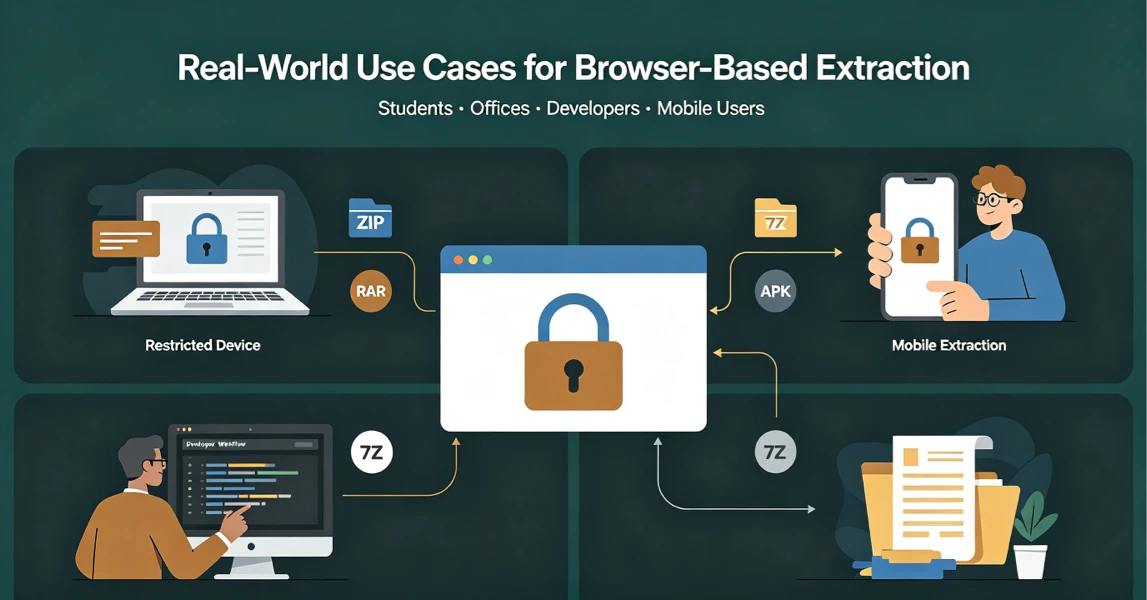
Real-World Use Cases for UnzipIt’s Browser-Based Archive Extractor
Discover the most common scenarios where local in-browser archive extraction solves real problems for students, office workers, developers, and mobile users.
Introduction
Desktop compression software has been the standard for decades, but modern device restrictions, privacy concerns, and mobile workflows often make installed tools inconvenient or impossible.
UnzipIt’s browser-based, local extraction tool solves real everyday problems across many user scenarios. This article covers the most practical use cases for free in-browser archive extraction.
1. Locked-Down Work & School Devices
Most corporate laptops, school computers, and Chromebooks restrict software installation for security reasons.
Traditional tools like WinRAR or 7-Zip cannot be installed, leaving users unable to open client attachments, project archives, or classroom files.
UnzipIt solves this perfectly:
- No installation required
- No admin permissions needed
- Works entirely inside the browser
- Supports ZIP, RAR, 7Z, TAR, and more office formats
It is the ideal tool for restricted devices.
2. Mobile Phone & Tablet File Extraction
Mobile app stores are filled with bloated, ad-heavy archive applications. Many require subscriptions or bombard users with popups for simple extraction tasks.
With UnzipIt, mobile users can:
- Open RAR and 7Z files directly in mobile browsers
- Extract APK, ZIP, and EPUB files without apps
- Avoid advertisements and unnecessary permissions
3. Developer Quick File Inspection
Developers regularly need to inspect packaged file formats without full software suites.
UnzipIt supports technical formats including:
- JAR archives
- APK Android packages
- ISO disk images
- EPUB book archives
- Office XML-based document files
You can quickly peek inside compressed packages to verify structure, extract assets, or inspect internal content without installing developer tools.
4. One-Time Password-Protected Archive Extraction
Many users receive encrypted ZIP or 7Z archives occasionally but do not want to install heavy desktop software just for a single use.
UnzipIt supports local password decryption:
- Passwords never leave your browser
- Decryption runs locally on your device
- No server-side logging or storage
5. Partial File Extraction (Save Time & Storage)
Large archives often contain hundreds of files, but users only need one or two items inside.
Traditional tools force full extraction, wasting disk space and time.
UnzipIt allows you to:
- Preview all internal files first
- Download only selected individual files
- Skip full extraction entirely
6. Privacy-Sensitive Personal & Business Files
For personal photos, financial documents, client files, and confidential work archives, uploading to public online tools is risky.
UnzipIt’s 100% local processing ensures:
- No file uploads
- No third-party access
- No data logging
- No privacy policy loopholes
Honest Tool Limitations
To ensure accurate and responsible usage:
- Self-extracting EXE archives only work when internal archive data is identifiable
- No malware scanning is provided
- Ultra-large archive performance depends on device hardware
Conclusion
From locked office PCs and school Chromebooks to mobile devices and developer workflows, browser-based local extraction fills critical gaps that traditional software cannot.
UnzipIt provides a fast, free, private, and installation-free way to unpack almost any archive format online.
Try it now at unzipit.online/en.