חלץ קבצי ארכיון מקומית בדפדפן שלך
הקבצים שלך מעובדים מקומית בדפדפן שלך. הקבצים אינם מועלים לשרתים שלנו.
גרור ארכיון אחד לכאן
תומך בפורמטי ארכיון נפוצים כולל ZIP, 7Z, RAR, TAR, GZ, TGZ, ISO, CAB, JAR, APK, קבצי Office ו-EPUB. EXE חילוץ עצמי עובד רק כאשר ניתן לזהות את נתוני הארכיון.
קבצים שחולצו
בחר ארכיון כדי לראות קבצים להורדה.
How it works
Three steps, all in your browser. No installs, no uploads, no waiting on a server.
1Add your archive
Drag and drop a ZIP, 7Z, RAR or other archive onto the page, or click to choose a file from your device.
2Extract locally
UnzipIt unpacks the archive on your device using a WebAssembly engine running in a Web Worker. Your files never leave your browser.
3Save your files
Download individual files, or save the whole extraction straight into a folder you choose (on supported browsers).
Supported archive formats
Open and extract a wide range of common archive formats — all locally in your browser.
- ZIP
- 7Z
- RAR
- TAR
- GZ
- TGZ
- BZ2
- XZ
- ZST
- CAB
- ISO
- JAR
- APK
- EPUB
Self-extracting EXE files work only when the embedded archive data can be identified. Many Office documents and EPUB files are also supported because they are ZIP-based.
הכל פועל בדפדפן שלך
ללא התקנות, ללא העלאות, ללא שרת — פשוט פתח ארכיון וחלץ.
100% מקומי
הקבצים שלך מעובדים במכשיר שלך. שום דבר אינו מועלה לשרת.
פורמטים רבים
ZIP, 7Z, RAR, TAR, GZ, TGZ, ISO, CAB, JAR, APK, קבצי Office ו-EPUB.
מנוע WebAssembly
חילוץ כבד פועל ב-Web Worker באמצעות WebAssembly, מחוץ ל-thread הראשי.
ארכיונים מוגני סיסמה
הזן סיסמה כדי לפתוח ארכיונים מוגנים.
שמור לתיקייה
כתוב קבצים שחולצו ישירות לתיקייה שתבחר.
פרטי מעיקרון
אנו לעולם לא רואים את שמות הקבצים, התכנים או הסיסמאות שלך.
שאלות נפוצות
כן. UnzipIt בחינם לחלוטין — ללא חשבונות, מנויים או מגבלות נסתרות.
לא. כל החילוץ מתרחש מקומית בדפדפן שלך באמצעות JavaScript ו-WebAssembly. הקבצים שלך לעולם אינם עוזבים את המכשיר שלך.
ZIP, 7Z, RAR, TAR, GZ, TGZ, BZ2, XZ, ZST, CAB, ISO, JAR, APK, EPUB ומסמכי Office רבים.
כן. הזן את הסיסמה כאשר מתבקש ו-UnzipIt מפענח וחולץ את התוכן מקומית.
UnzipIt אינו סורק קבצים לאיתור תוכנות זדוניות. פתח רק ארכיונים ממקורות שאתה סומך עליהם, והימנע מהרצת קבצי הפעלה משולחים לא ידועים.
Guides & tips
Learn how to unzip files on any device, compare archive formats, and keep your files private.
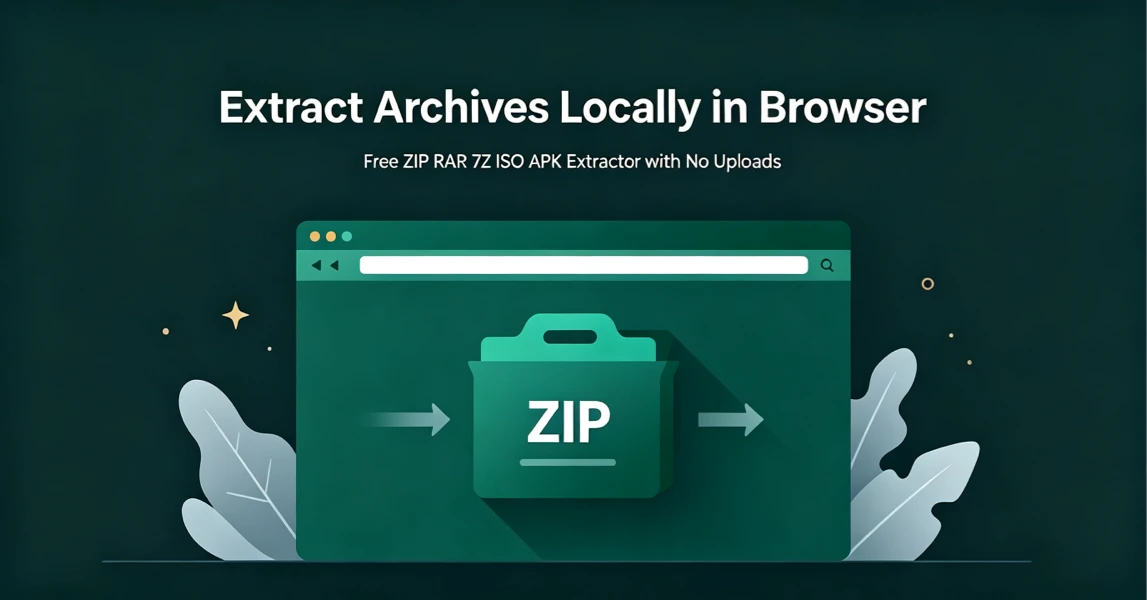
How to Extract Archives Locally in Browser with UnzipIt (Step‑by‑Step Guide)
A complete beginner’s guide to extracting ZIP, RAR, 7Z, ISO, APK and more archives for free directly in your browser with zero uploads and no software installation.
2026-08-21
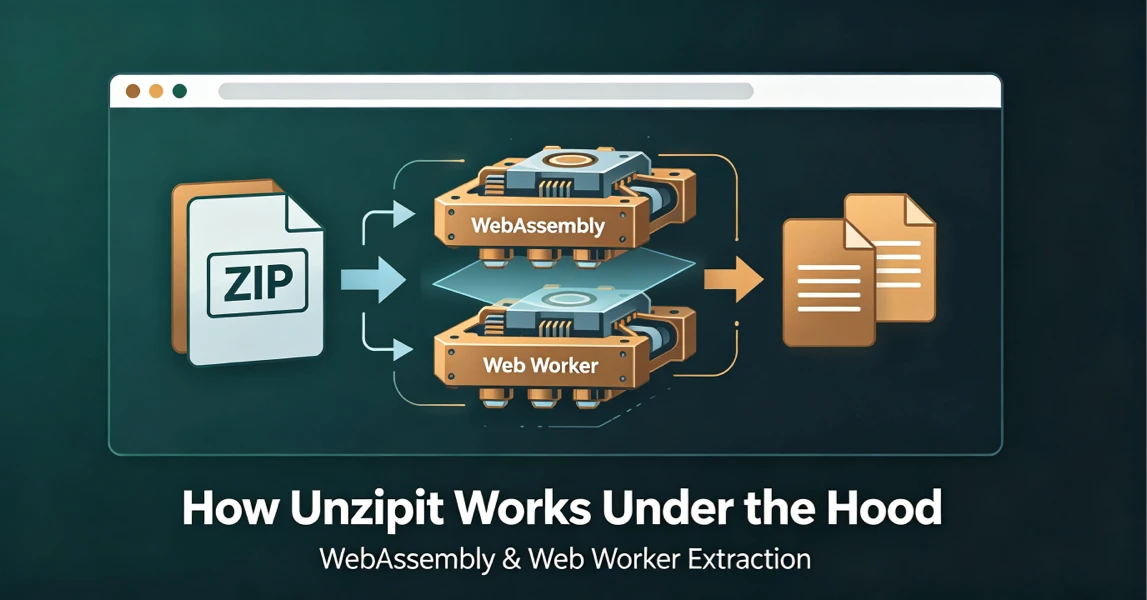
How UnzipIt Works Under the Hood: WebAssembly & Web Worker Extraction
Learn the WebAssembly and Web Worker technology powering fast, private, local in-browser archive extraction on UnzipIt with no server uploads.
2026-08-21
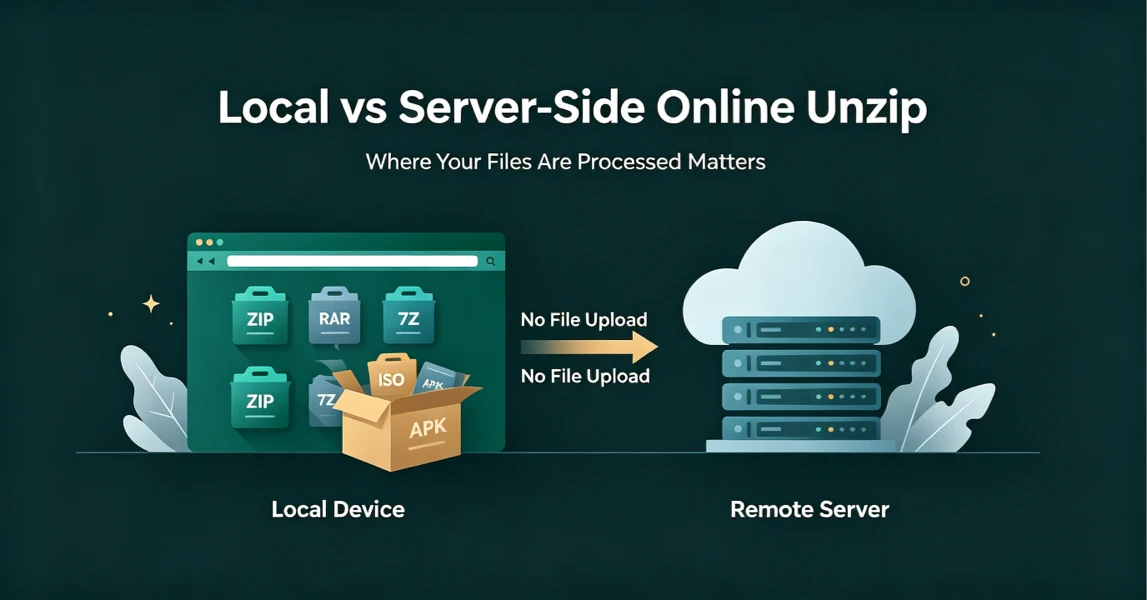
Local vs Server-Side Online Unzip: Why Where Your Files Are Processed Matters
Not all online unzip tools work the same way. Learn the difference between server-side extraction and true local browser-based processing, and why it matters for your privacy.
2026-08-21
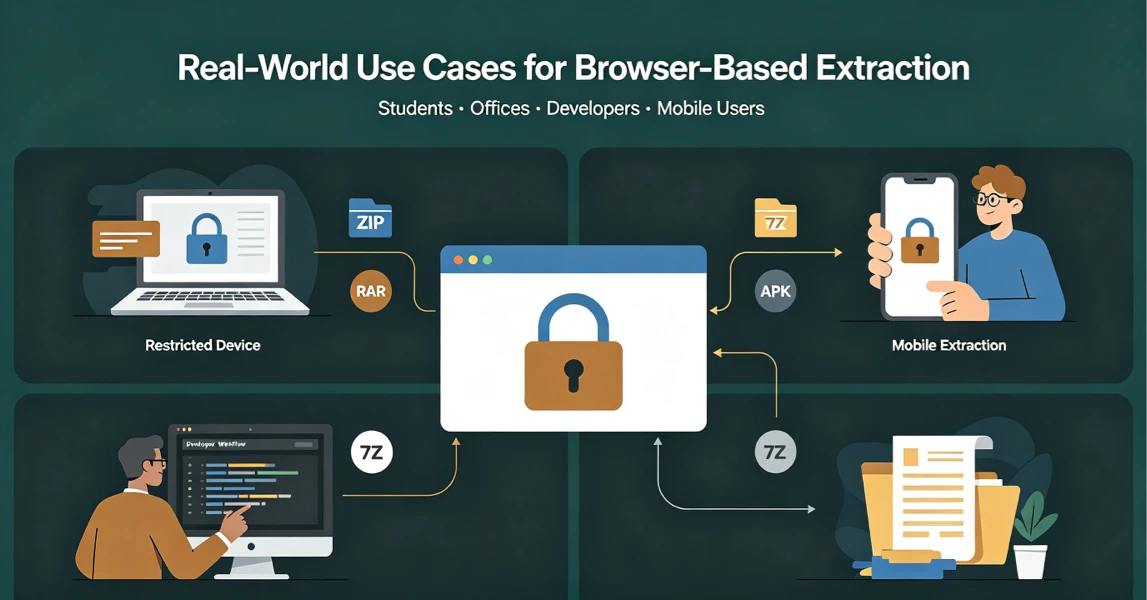
Real-World Use Cases for UnzipIt’s Browser-Based Archive Extractor
Discover the most common scenarios where local in-browser archive extraction solves real problems for students, office workers, developers, and mobile users.
2026-08-20
UnzipIt FAQ: Troubleshooting Common Archive Extraction Issues
Answers to the most frequent questions about local browser extraction, supported formats, privacy, password archives, and common errors.
2026-08-20