在瀏覽器本機解壓縮檔案
檔案只會在你的瀏覽器本機處理,不會上傳到我們的伺服器。
將一個壓縮檔拖到這裡
支援 ZIP、7Z、RAR、TAR、GZ、TGZ、ISO、CAB、JAR、APK、Office 檔案和 EPUB 等常見格式。自解壓 EXE 只有在可識別壓縮資料時才支援。
已解壓檔案
選擇壓縮檔後會顯示可下載檔案。
How it works
Three steps, all in your browser. No installs, no uploads, no waiting on a server.
1Add your archive
Drag and drop a ZIP, 7Z, RAR or other archive onto the page, or click to choose a file from your device.
2Extract locally
UnzipIt unpacks the archive on your device using a WebAssembly engine running in a Web Worker. Your files never leave your browser.
3Save your files
Download individual files, or save the whole extraction straight into a folder you choose (on supported browsers).
Supported archive formats
Open and extract a wide range of common archive formats — all locally in your browser.
- ZIP
- 7Z
- RAR
- TAR
- GZ
- TGZ
- BZ2
- XZ
- ZST
- CAB
- ISO
- JAR
- APK
- EPUB
Self-extracting EXE files work only when the embedded archive data can be identified. Many Office documents and EPUB files are also supported because they are ZIP-based.
一切都在瀏覽器中完成
無需安裝、無需上傳、無需伺服器——開啟壓縮檔即可解壓。
完全本地
檔案在你的裝置上處理,絕不會上傳到伺服器。
支援多種格式
ZIP、7Z、RAR、TAR、GZ、TGZ、ISO、CAB、JAR、APK、Office 檔案與 EPUB。
WebAssembly 引擎
繁重的解壓工作在 Web Worker 中透過 WebAssembly 完成,不阻塞主執行緒。
加密壓縮檔
輸入密碼即可開啟受密碼保護的壓縮檔。
儲存至資料夾
直接將解壓出的檔案寫入你選擇的資料夾。
隱私優先
我們永遠不會看到你的檔名、內容或密碼。
常見問題
是的。UnzipIt 完全免費——沒有帳號、訂閱或隱藏限制。
不會。所有解壓縮都在你的瀏覽器中透過 JavaScript 和 WebAssembly 本機完成。檔案永遠不會離開你的裝置。
ZIP、7Z、RAR、TAR、GZ、TGZ、BZ2、XZ、ZST、CAB、ISO、JAR、APK、EPUB 以及許多 Office 文件。
可以。在提示時輸入密碼,UnzipIt 會在本機解密並解壓縮內容。
UnzipIt 不會掃描檔案中的惡意軟體。只開啟來自可信來源的壓縮檔,不要執行未知寄件者的可執行檔。
Guides & tips
Learn how to unzip files on any device, compare archive formats, and keep your files private.
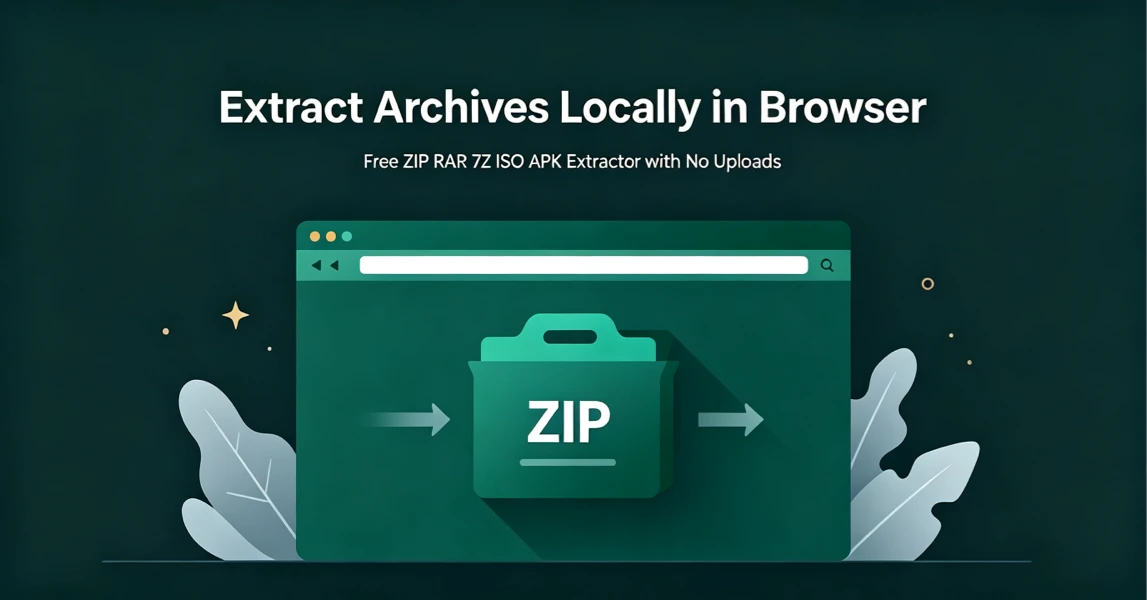
How to Extract Archives Locally in Browser with UnzipIt (Step‑by‑Step Guide)
A complete beginner’s guide to extracting ZIP, RAR, 7Z, ISO, APK and more archives for free directly in your browser with zero uploads and no software installation.
2026-08-21
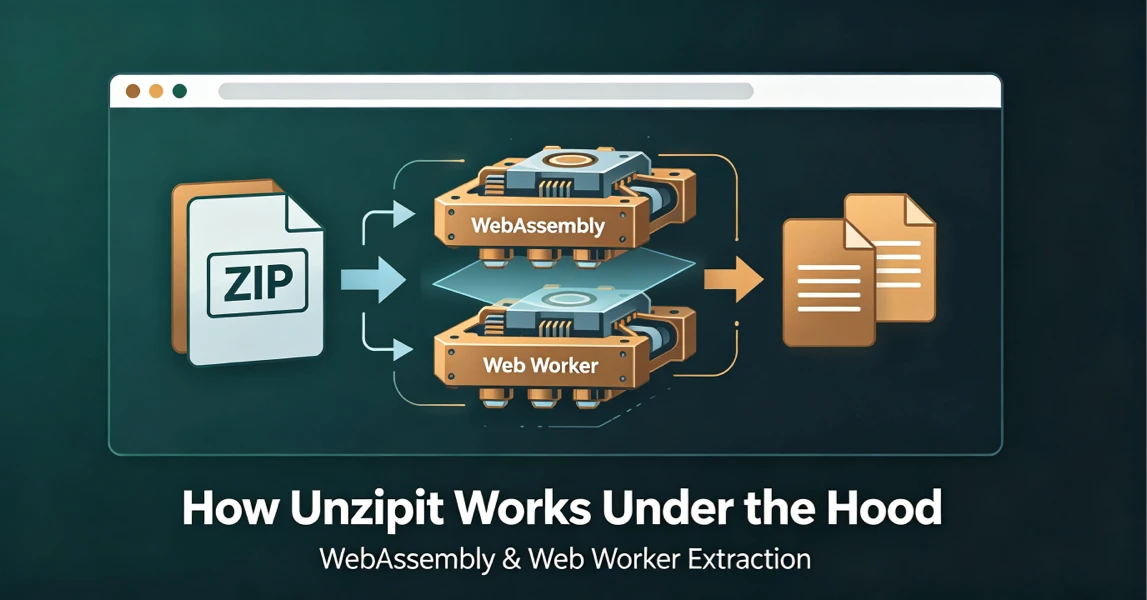
How UnzipIt Works Under the Hood: WebAssembly & Web Worker Extraction
Learn the WebAssembly and Web Worker technology powering fast, private, local in-browser archive extraction on UnzipIt with no server uploads.
2026-08-21
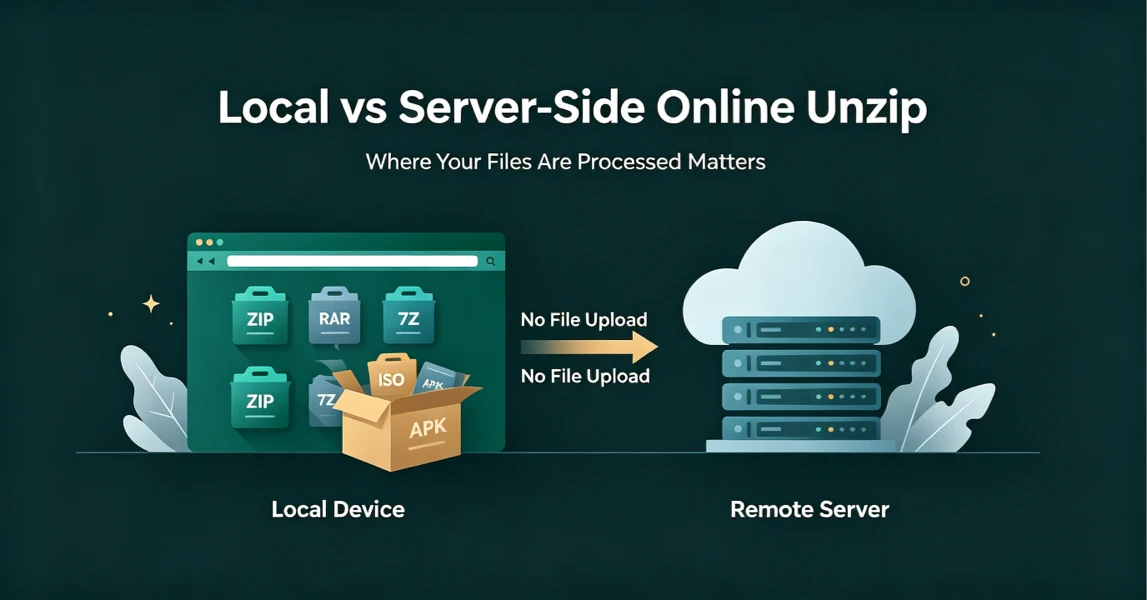
Local vs Server-Side Online Unzip: Why Where Your Files Are Processed Matters
Not all online unzip tools work the same way. Learn the difference between server-side extraction and true local browser-based processing, and why it matters for your privacy.
2026-08-21
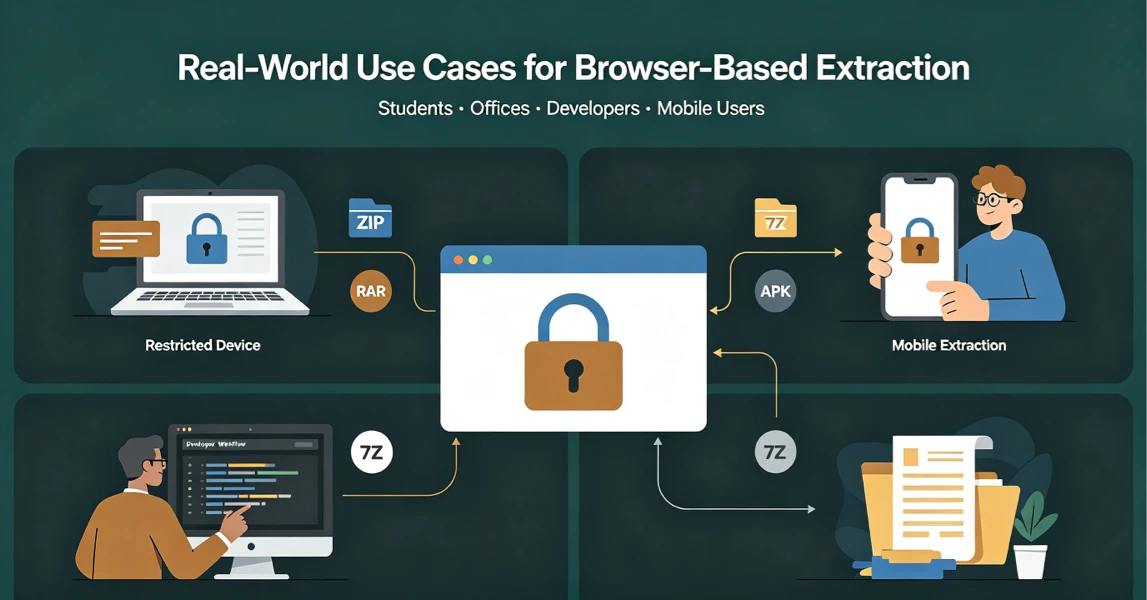
Real-World Use Cases for UnzipIt’s Browser-Based Archive Extractor
Discover the most common scenarios where local in-browser archive extraction solves real problems for students, office workers, developers, and mobile users.
2026-08-20
UnzipIt FAQ: Troubleshooting Common Archive Extraction Issues
Answers to the most frequent questions about local browser extraction, supported formats, privacy, password archives, and common errors.
2026-08-20