Extrahera arkivfiler lokalt i din webbläsare
Dina filer bearbetas lokalt i din webbläsare. Filer laddas inte upp till våra servrar.
Släpp ett arkiv här
Stöder vanliga arkivformat inklusive ZIP, 7Z, RAR, TAR, GZ, TGZ, ISO, CAB, JAR, APK, Office-filer och EPUB. Självextraherande EXE fungerar bara när arkivdata kan identifieras.
Extraherade filer
Välj ett arkiv för att se nedladdningsbara filer.
How it works
Three steps, all in your browser. No installs, no uploads, no waiting on a server.
1Add your archive
Drag and drop a ZIP, 7Z, RAR or other archive onto the page, or click to choose a file from your device.
2Extract locally
UnzipIt unpacks the archive on your device using a WebAssembly engine running in a Web Worker. Your files never leave your browser.
3Save your files
Download individual files, or save the whole extraction straight into a folder you choose (on supported browsers).
Supported archive formats
Open and extract a wide range of common archive formats — all locally in your browser.
- ZIP
- 7Z
- RAR
- TAR
- GZ
- TGZ
- BZ2
- XZ
- ZST
- CAB
- ISO
- JAR
- APK
- EPUB
Self-extracting EXE files work only when the embedded archive data can be identified. Many Office documents and EPUB files are also supported because they are ZIP-based.
Allt körs i din webbläsare
Inga installationer, inga uppladdningar, ingen server — öppna bara ett arkiv och extrahera.
100% lokalt
Dina filer bearbetas på din enhet. Inget laddas upp till en server.
Många format
ZIP, 7Z, RAR, TAR, GZ, TGZ, ISO, CAB, JAR, APK, Office-filer och EPUB.
WebAssembly-motor
Tung extrahering körs i en Web Worker via WebAssembly, utanför huvudtråden.
Lösenordsskyddade arkiv
Ange ett lösenord för att öppna skyddade arkiv.
Spara till mapp
Skriv extraherade filer direkt i en mapp du väljer.
Privat i grunden
Vi ser aldrig dina filnamn, innehåll eller lösenord.
Vanliga frågor
Ja. UnzipIt är helt gratis — inga konton, prenumerationer eller dolda begränsningar.
Nej. All extrahering sker lokalt i din webbläsare med hjälp av JavaScript och WebAssembly. Dina filer lämnar aldrig din enhet.
ZIP, 7Z, RAR, TAR, GZ, TGZ, BZ2, XZ, ZST, CAB, ISO, JAR, APK, EPUB och många Office-dokument.
Ja. Ange lösenordet när du uppmanas till det så dekrypterar och extraherar UnzipIt innehållet lokalt.
UnzipIt skannar inte filer för skadlig kod. Öppna bara arkiv från källor du litar på och undvik att köra körbara filer från okända avsändare.
Guides & tips
Learn how to unzip files on any device, compare archive formats, and keep your files private.
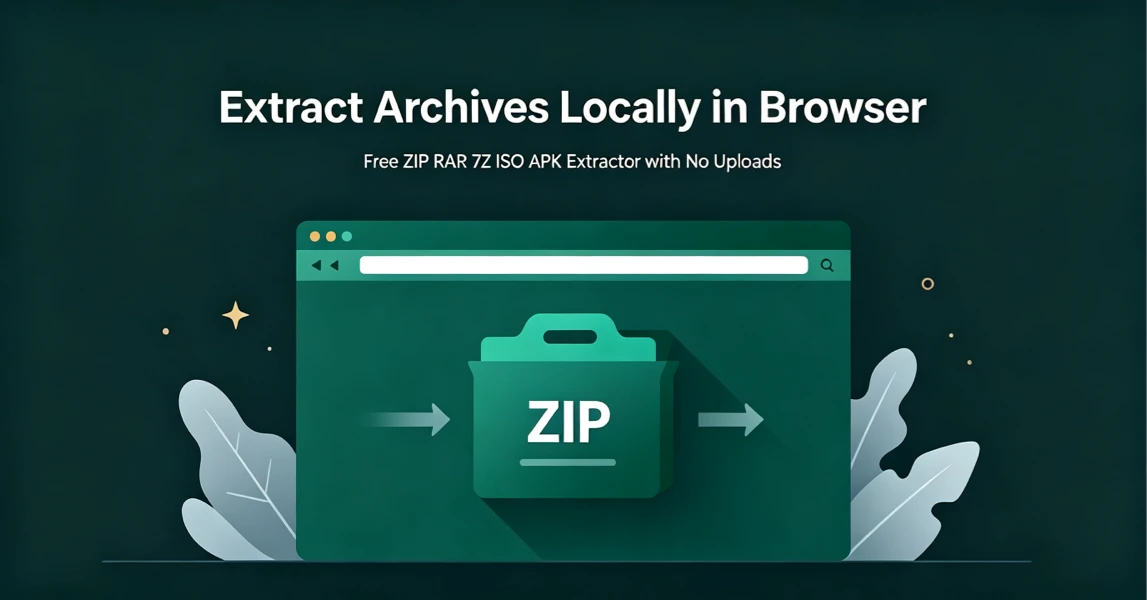
How to Extract Archives Locally in Browser with UnzipIt (Step‑by‑Step Guide)
A complete beginner’s guide to extracting ZIP, RAR, 7Z, ISO, APK and more archives for free directly in your browser with zero uploads and no software installation.
2026-08-21
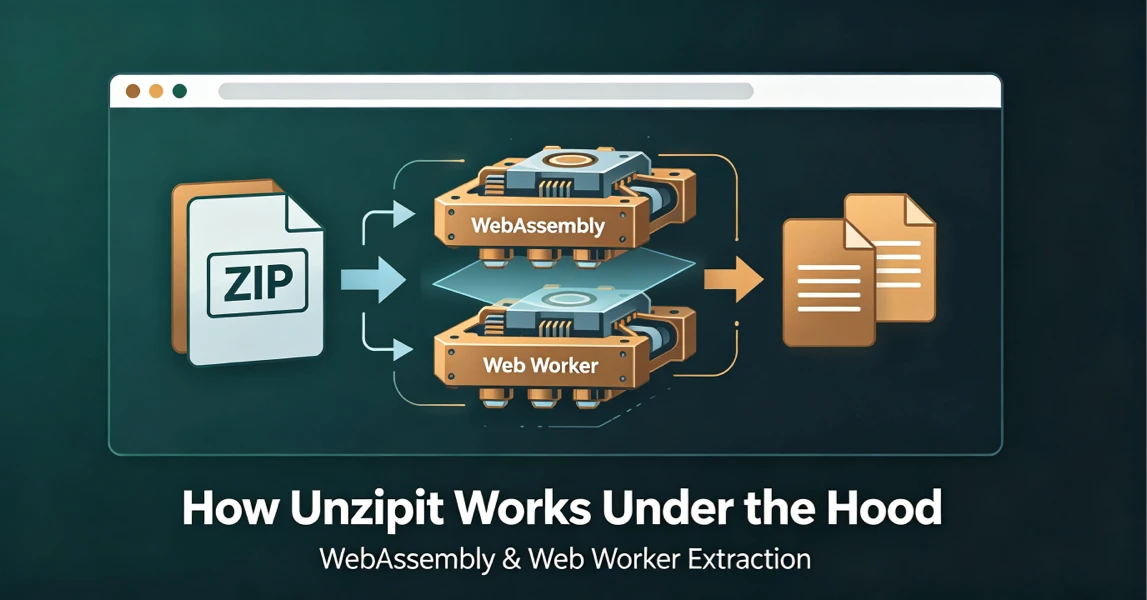
How UnzipIt Works Under the Hood: WebAssembly & Web Worker Extraction
Learn the WebAssembly and Web Worker technology powering fast, private, local in-browser archive extraction on UnzipIt with no server uploads.
2026-08-21
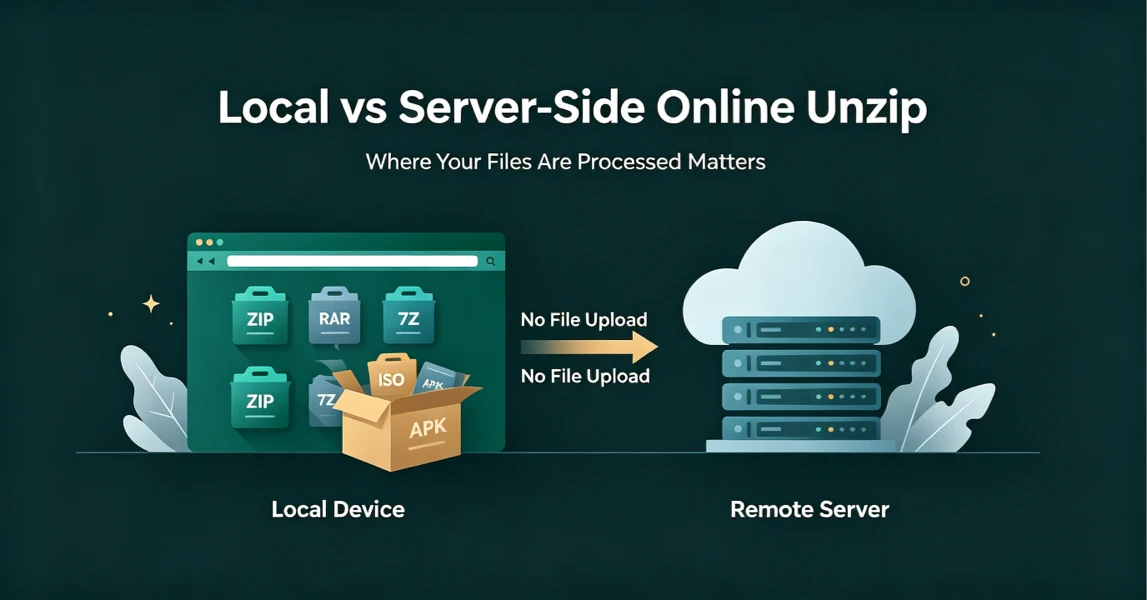
Local vs Server-Side Online Unzip: Why Where Your Files Are Processed Matters
Not all online unzip tools work the same way. Learn the difference between server-side extraction and true local browser-based processing, and why it matters for your privacy.
2026-08-21
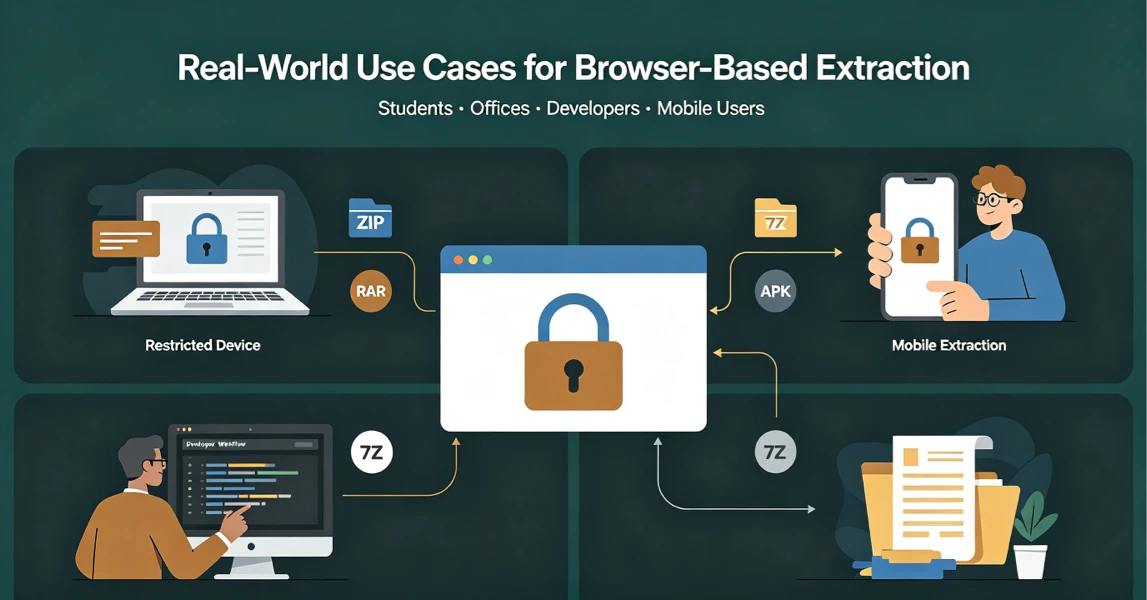
Real-World Use Cases for UnzipIt’s Browser-Based Archive Extractor
Discover the most common scenarios where local in-browser archive extraction solves real problems for students, office workers, developers, and mobile users.
2026-08-20
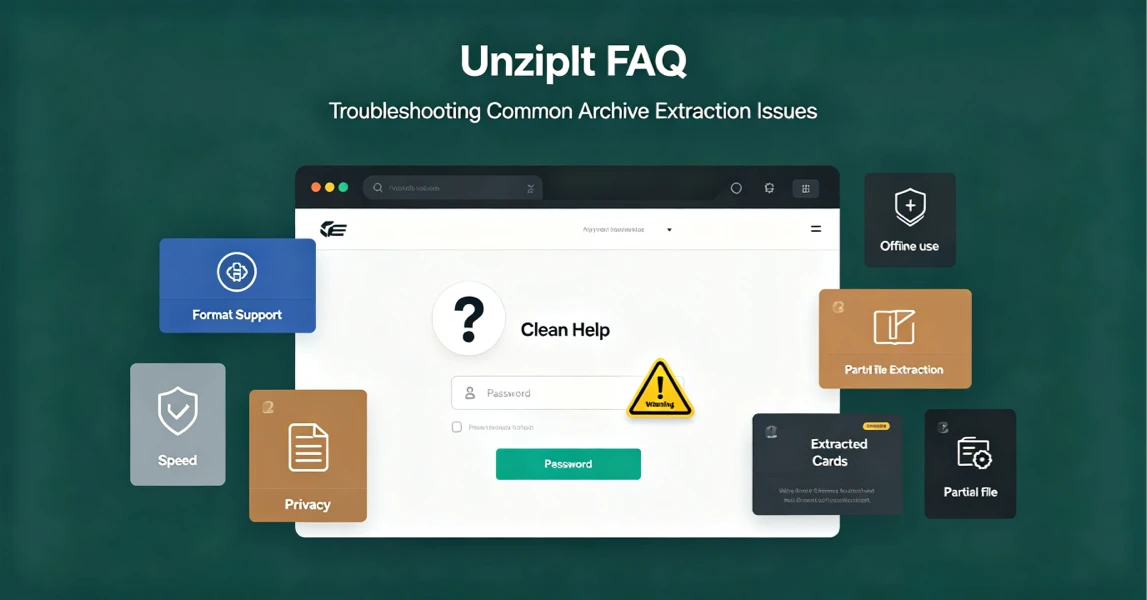
UnzipIt FAQ: Troubleshooting Common Archive Extraction Issues
Answers to the most frequent questions about local browser extraction, supported formats, privacy, password archives, and common errors.
2026-08-20