Pakk ut arkivfiler lokalt i nettleseren din
Filene dine behandles lokalt i nettleseren din. Filer lastes ikke opp til serverne våre.
Slipp ett arkiv her
Støtter vanlige arkivformater inkludert ZIP, 7Z, RAR, TAR, GZ, TGZ, ISO, CAB, JAR, APK, Office-filer og EPUB. Selvutpakkende EXE fungerer bare når arkivdataene kan identifiseres.
Utpakkede filer
Velg et arkiv for å se nedlastbare filer.
How it works
Three steps, all in your browser. No installs, no uploads, no waiting on a server.
1Add your archive
Drag and drop a ZIP, 7Z, RAR or other archive onto the page, or click to choose a file from your device.
2Extract locally
UnzipIt unpacks the archive on your device using a WebAssembly engine running in a Web Worker. Your files never leave your browser.
3Save your files
Download individual files, or save the whole extraction straight into a folder you choose (on supported browsers).
Supported archive formats
Open and extract a wide range of common archive formats — all locally in your browser.
- ZIP
- 7Z
- RAR
- TAR
- GZ
- TGZ
- BZ2
- XZ
- ZST
- CAB
- ISO
- JAR
- APK
- EPUB
Self-extracting EXE files work only when the embedded archive data can be identified. Many Office documents and EPUB files are also supported because they are ZIP-based.
Alt kjører i nettleseren din
Ingen installasjoner, ingen opplastinger, ingen server — bare åpne et arkiv og pakk ut.
100% lokalt
Filene dine behandles på enheten din. Ingenting lastes opp til en server.
Mange formater
ZIP, 7Z, RAR, TAR, GZ, TGZ, ISO, CAB, JAR, APK, Office-filer og EPUB.
WebAssembly-motor
Tung utpakking kjører i en Web Worker via WebAssembly, utenfor hovedtråden.
Passordarkiver
Skriv inn et passord for å åpne beskyttede arkiver.
Lagre til mappe
Skriv utpakkede filer rett inn i en mappe du velger.
Privat i utgangspunktet
Vi ser aldri filnavnene, innholdet eller passordene dine.
Vanlige spørsmål
Ja. UnzipIt er helt gratis — ingen kontoer, abonnementer eller skjulte begrensninger.
Nei. All utpakking skjer lokalt i nettleseren din ved hjelp av JavaScript og WebAssembly. Filene dine forlater aldri enheten din.
ZIP, 7Z, RAR, TAR, GZ, TGZ, BZ2, XZ, ZST, CAB, ISO, JAR, APK, EPUB og mange Office-dokumenter.
Ja. Skriv inn passordet når du blir bedt om det, så dekrypterer og pakker UnzipIt ut innholdet lokalt.
UnzipIt skanner ikke filer for skadekode. Åpne bare arkiver fra kilder du stoler på, og unngå å kjøre kjørbare filer fra ukjente avsendere.
Guides & tips
Learn how to unzip files on any device, compare archive formats, and keep your files private.
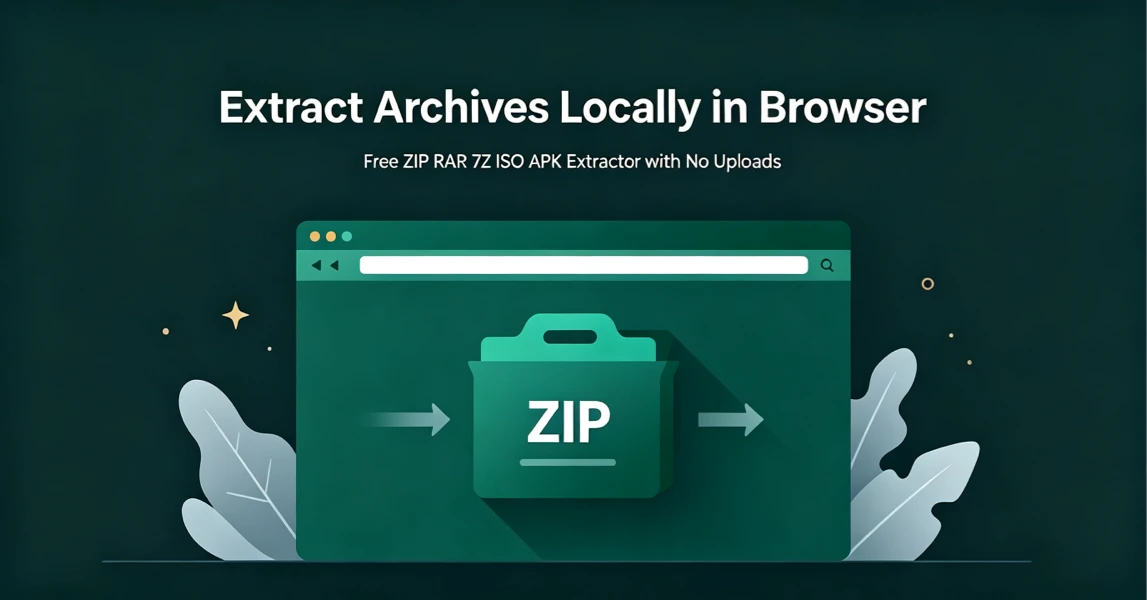
How to Extract Archives Locally in Browser with UnzipIt (Step‑by‑Step Guide)
A complete beginner’s guide to extracting ZIP, RAR, 7Z, ISO, APK and more archives for free directly in your browser with zero uploads and no software installation.
2026-08-21
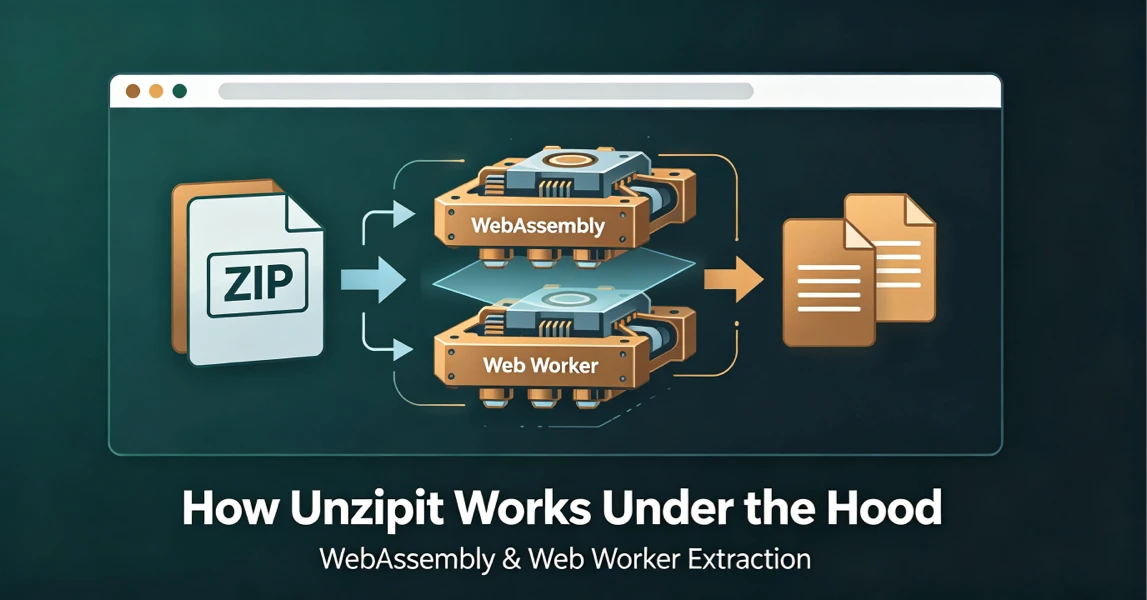
How UnzipIt Works Under the Hood: WebAssembly & Web Worker Extraction
Learn the WebAssembly and Web Worker technology powering fast, private, local in-browser archive extraction on UnzipIt with no server uploads.
2026-08-21
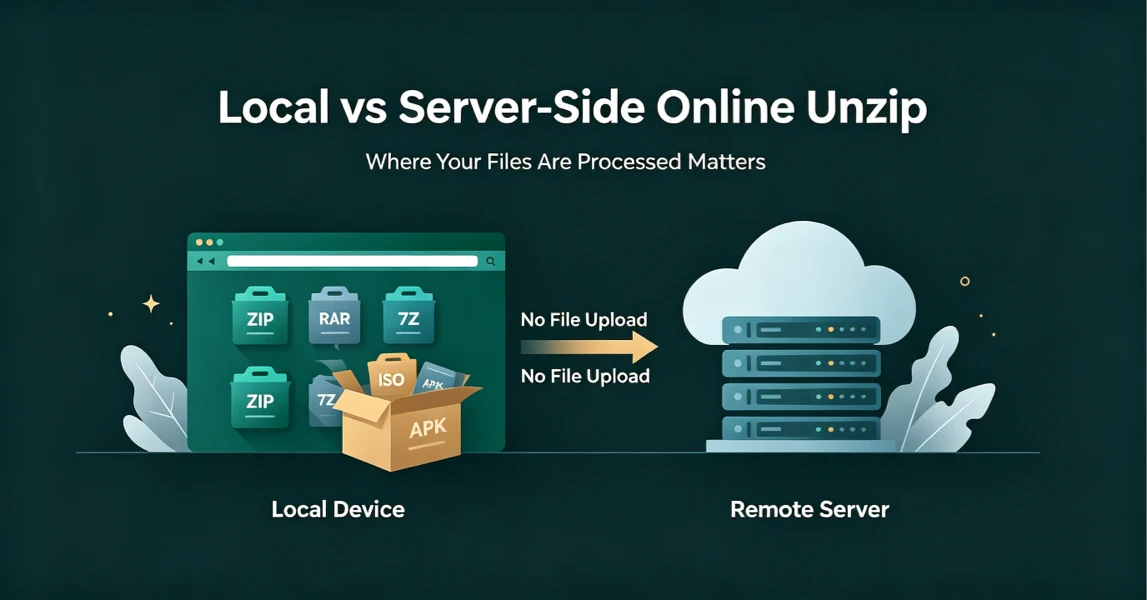
Local vs Server-Side Online Unzip: Why Where Your Files Are Processed Matters
Not all online unzip tools work the same way. Learn the difference between server-side extraction and true local browser-based processing, and why it matters for your privacy.
2026-08-21
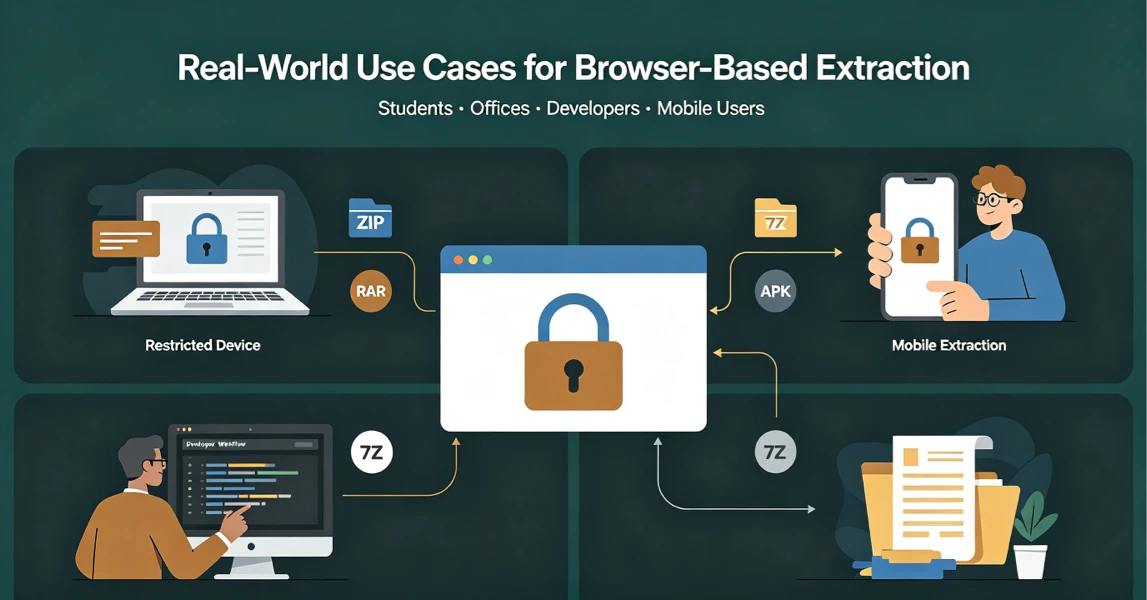
Real-World Use Cases for UnzipIt’s Browser-Based Archive Extractor
Discover the most common scenarios where local in-browser archive extraction solves real problems for students, office workers, developers, and mobile users.
2026-08-20
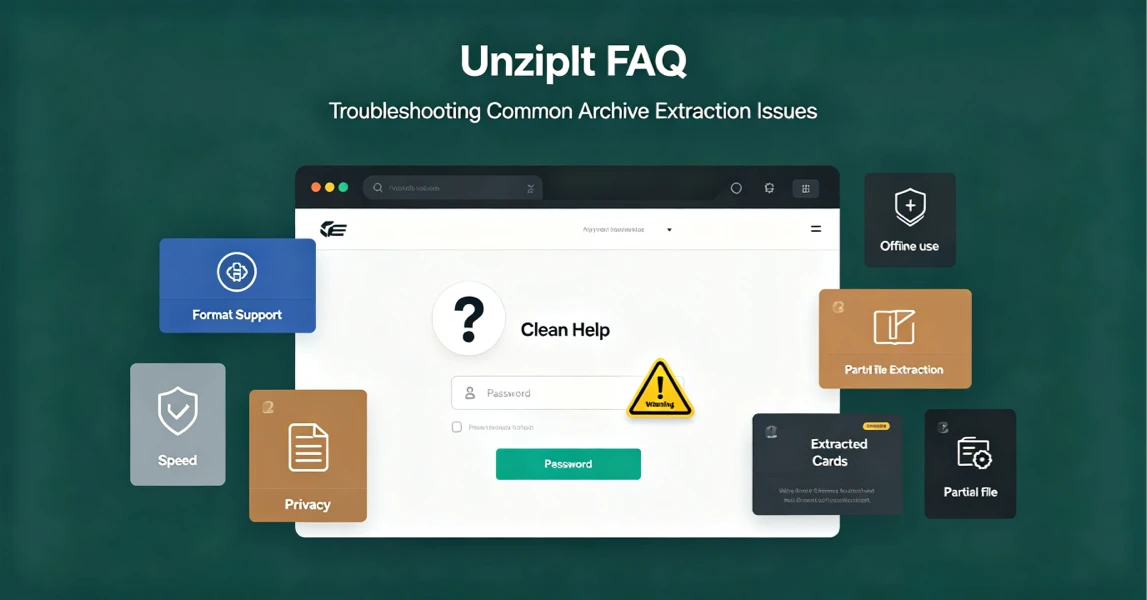
UnzipIt FAQ: Troubleshooting Common Archive Extraction Issues
Answers to the most frequent questions about local browser extraction, supported formats, privacy, password archives, and common errors.
2026-08-20