Extrayez des archives localement dans votre navigateur
Vos fichiers sont traités localement dans votre navigateur. Ils ne sont pas envoyés à nos serveurs.
Déposez une archive ici
Prend en charge les formats d'archive courants, notamment ZIP, 7Z, RAR, TAR, GZ, TGZ, ISO, CAB, JAR, APK, les fichiers Office et EPUB. Les EXE auto-extractibles ne fonctionnent que lorsque les données d'archive peuvent être identifiées.
Fichiers extraits
Sélectionnez une archive pour voir les fichiers téléchargeables.
How it works
Three steps, all in your browser. No installs, no uploads, no waiting on a server.
1Add your archive
Drag and drop a ZIP, 7Z, RAR or other archive onto the page, or click to choose a file from your device.
2Extract locally
UnzipIt unpacks the archive on your device using a WebAssembly engine running in a Web Worker. Your files never leave your browser.
3Save your files
Download individual files, or save the whole extraction straight into a folder you choose (on supported browsers).
Supported archive formats
Open and extract a wide range of common archive formats — all locally in your browser.
- ZIP
- 7Z
- RAR
- TAR
- GZ
- TGZ
- BZ2
- XZ
- ZST
- CAB
- ISO
- JAR
- APK
- EPUB
Self-extracting EXE files work only when the embedded archive data can be identified. Many Office documents and EPUB files are also supported because they are ZIP-based.
Everything runs in your browser
No installs, no uploads, no server — just open an archive and extract.
100% local
Your files are processed on your device. Nothing is uploaded to a server.
Many formats
ZIP, 7Z, RAR, TAR, GZ, TGZ, ISO, CAB, JAR, APK, Office files and EPUB.
WebAssembly engine
Heavy extraction runs in a Web Worker via WebAssembly, off the main thread.
Password archives
Enter a password to open protected archives.
Save to folder
Write extracted files straight into a folder you choose.
Private by design
We never see your file names, contents, or passwords.
Questions fréquentes
Oui. UnzipIt est entièrement gratuit — aucun compte, abonnement ou limite cachée.
Non. Toute l'extraction se fait localement dans votre navigateur via JavaScript et WebAssembly. Vos fichiers ne quittent jamais votre appareil.
ZIP, 7Z, RAR, TAR, GZ, TGZ, BZ2, XZ, ZST, CAB, ISO, JAR, APK, EPUB et de nombreux documents Office.
Oui. Saisissez le mot de passe quand cela vous est demandé et UnzipIt déchiffre et extrait le contenu localement.
UnzipIt ne analyse pas les fichiers à la recherche de logiciels malveillants. N'ouvrez que des archives de sources de confiance et n'exécutez pas de fichiers de provenance inconnue.
Guides & tips
Learn how to unzip files on any device, compare archive formats, and keep your files private.
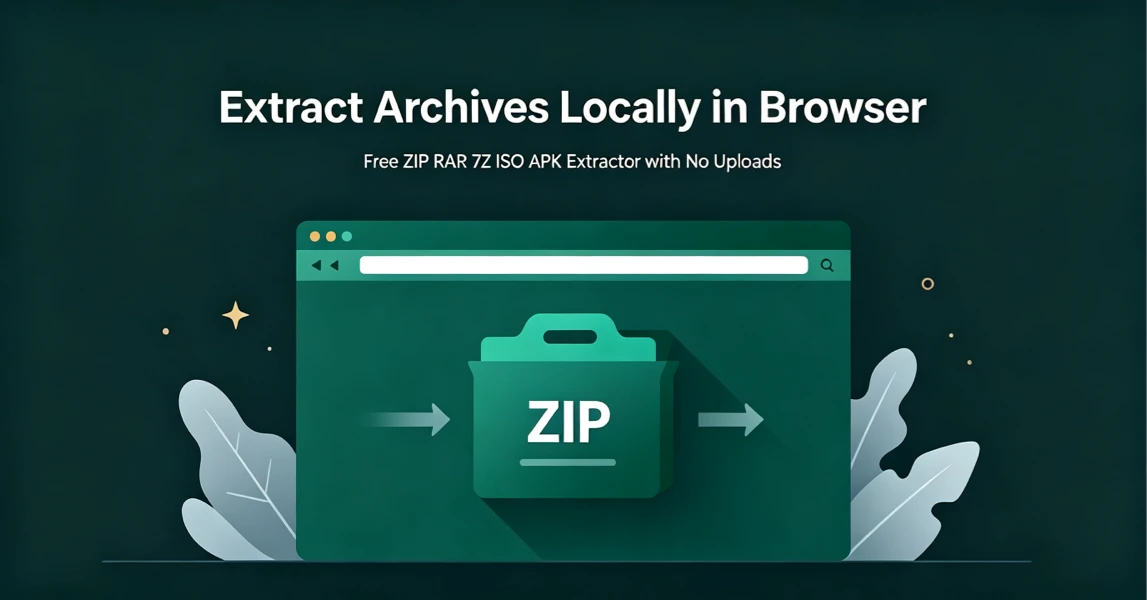
How to Extract Archives Locally in Browser with UnzipIt (Step‑by‑Step Guide)
A complete beginner’s guide to extracting ZIP, RAR, 7Z, ISO, APK and more archives for free directly in your browser with zero uploads and no software installation.
2026-08-21
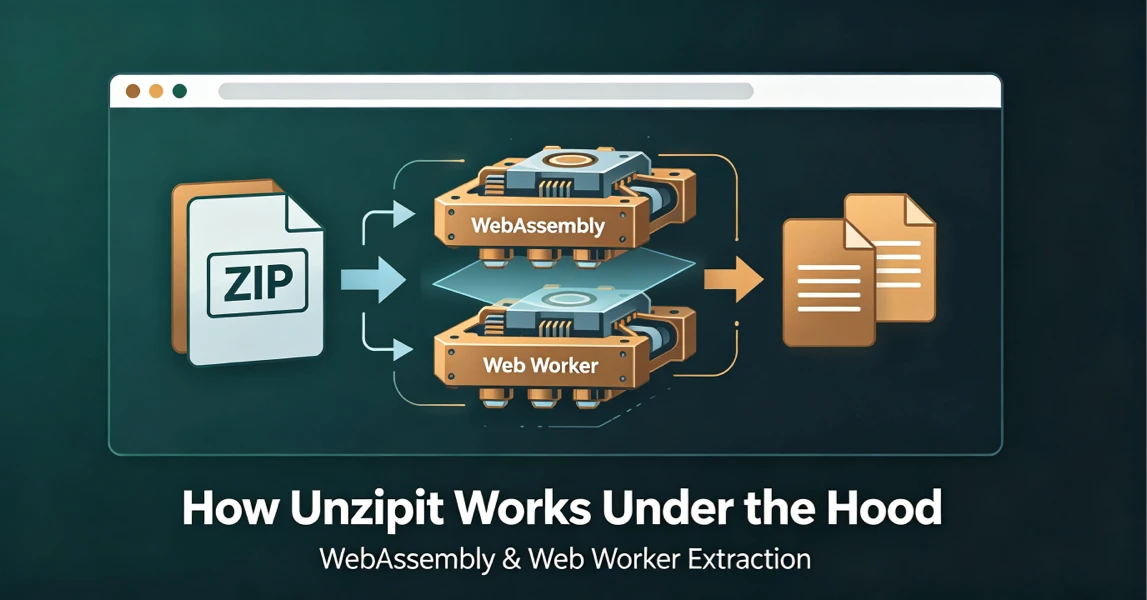
How UnzipIt Works Under the Hood: WebAssembly & Web Worker Extraction
Learn the WebAssembly and Web Worker technology powering fast, private, local in-browser archive extraction on UnzipIt with no server uploads.
2026-08-21
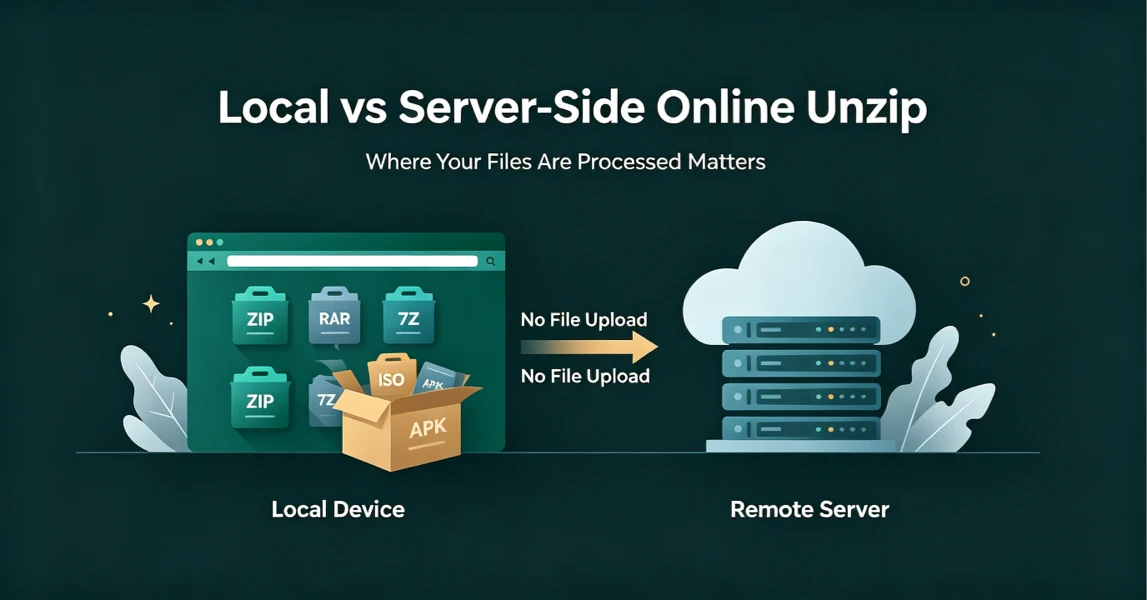
Local vs Server-Side Online Unzip: Why Where Your Files Are Processed Matters
Not all online unzip tools work the same way. Learn the difference between server-side extraction and true local browser-based processing, and why it matters for your privacy.
2026-08-21
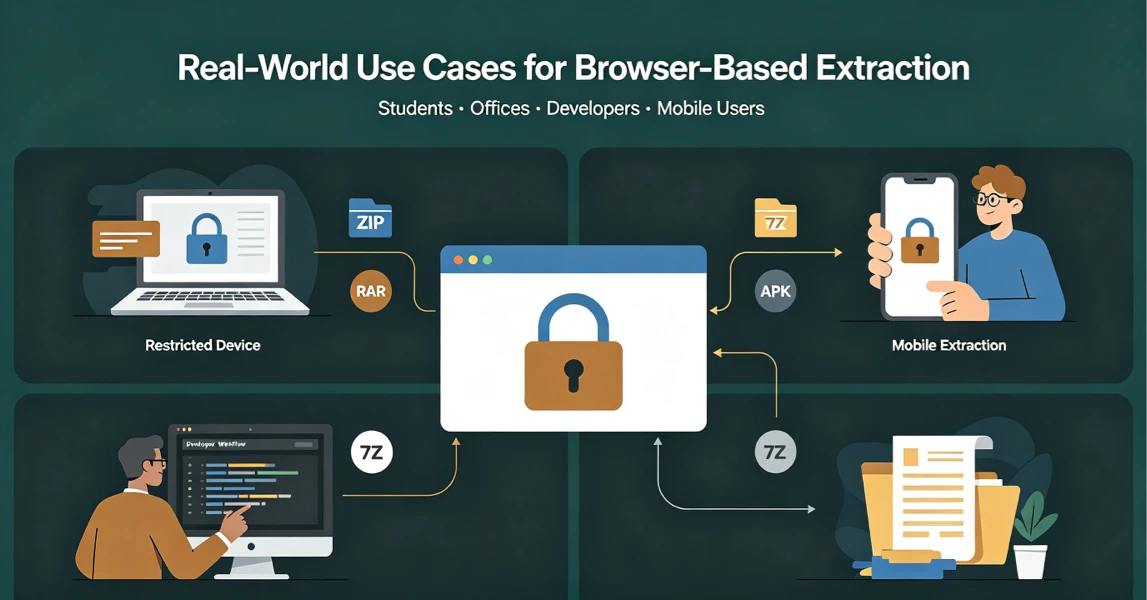
Real-World Use Cases for UnzipIt’s Browser-Based Archive Extractor
Discover the most common scenarios where local in-browser archive extraction solves real problems for students, office workers, developers, and mobile users.
2026-08-20
UnzipIt FAQ: Troubleshooting Common Archive Extraction Issues
Answers to the most frequent questions about local browser extraction, supported formats, privacy, password archives, and common errors.
2026-08-20